
v2.4.1 · 48 MB
IV7 Game Download — install the IV7 app on Android in three minutes
Last updated 28 August 2026Reviewed by the IV7 Gaming desk
48 MB
Download size
Android 5.0+
Requirement
~3 min
Total setup
₹200 – ₹500
Signup bonus
Before you start: what your phone needs
IV7 is undemanding, which is most of its appeal. If your phone can run WhatsApp and YouTube at the same time, it can run this.
| Requirement | Minimum | Comfortable |
|---|---|---|
| Operating system | Android 5.0 (Lollipop) | Android 9 or newer |
| RAM | 2 GB | 4 GB |
| Free storage | 50 MB | 150 MB |
| Connection | 3G | 4G or Wi-Fi |
| Other | A mobile number that can receive SMS, for the registration OTP | |
The minimum column is genuinely usable — the app was clearly tested down there. On 2 GB of RAM the fishing shelf is the only thing that stutters, and only when other apps are open behind it.
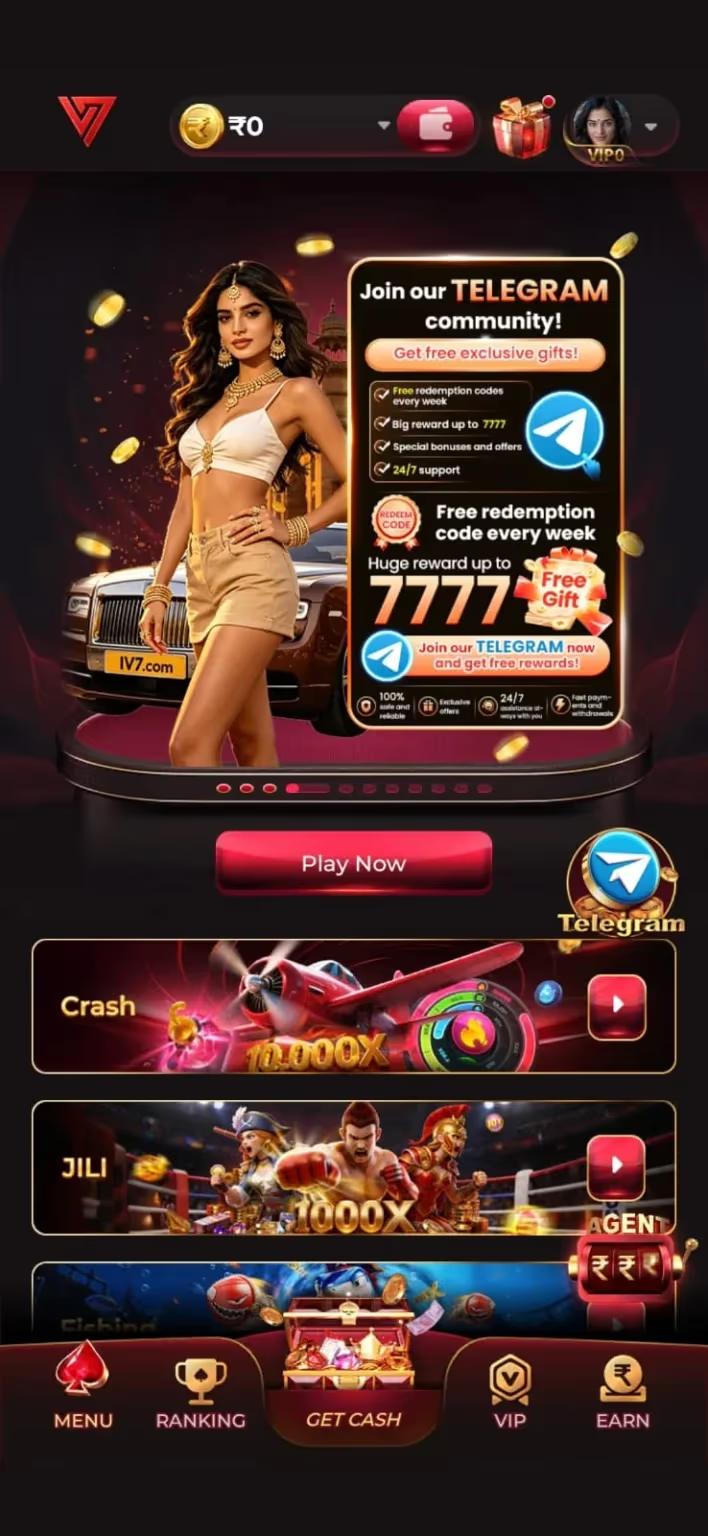
IV7 game download — the six steps
- Get the file. Open the IV7 APK download page and tap the download button. Your browser will ask you to confirm an APK download — that prompt is normal. The 48 MB file lands in Downloads.
- Allow installs from unknown sources. Settings → Apps → Special access → Install unknown apps → select your browser → turn it on. On Android 7 and older, it is a single global toggle at Settings → Security → Unknown sources. You only ever do this once per browser.
- Open the APK. Tap the download notification, or open Files → Downloads and tap the IV7 file. The Android installer screen appears with the app name and the permissions it wants.
- Install. Tap Install and wait a few seconds. If Play Protect interrupts with a warning, tap More details → Install anyway. That prompt fires for every sideloaded app on the platform; it is about where the file came from, not what is inside it.
- Register. Open IV7, tap Register, enter your mobile number, and type in the OTP when it arrives. Set a password — a fresh one, not a password you use for email or banking. Your ₹200 – ₹500 signup credit is in the wallet the moment this finishes.
- Play, then deposit if you want to. The signup credit is enough for a genuine feel of the app. When you are ready, the minimum deposit is ₹100 and the first one triggers the bonus ladder. Withdrawals open from ₹200.
That is the whole flow. If something went sideways, the next section covers everything we have seen go wrong.
When the IV7 download or install goes wrong
Six problems account for nearly every failed install. Each has a specific cause, and none of them means the file is bad.
“App not installed” at the end of the install
Almost always an older copy still on the phone with a different signature. Uninstall the existing IV7 app (Settings → Apps → IV7 → Uninstall), then install the new file. Your account lives on the server, so nothing in the wallet is lost.
“There was a problem parsing the package”
The download finished early — usually a dropped connection. Delete the file from Downloads and pull it again on Wi-Fi. If it repeats, clear your browser cache first; a half-cached file will fail the same way every time.
Play Protect blocks the install
Tap “More details” then “Install anyway”. This warning appears for every app that does not come from the Play Store, including ones with no problem at all. It is a distribution notice, not a scan result.
Install stalls at 90%
Free storage. Android needs headroom well beyond the file size to unpack an APK — clear a few hundred MB and retry. This is the single most common cause on phones sitting near full.
OTP never arrives
Check the number for a typo, then wait the full 60 seconds before tapping resend — requesting repeatedly can put you in a short cooldown. DND settings on some networks also delay transactional SMS by a minute or two.
App opens but the lobby is blank
The first launch pulls game thumbnails. On a weak connection that can take a while. Force close, reconnect to a stronger network, and reopen — the assets cache after the first successful load.
Where you download from matters more than anything else
This is the one part of an APK install that carries real risk, and it has nothing to do with Android warnings. Search for IV7 game download and you will find mirror sites, Telegram channels and forum posts all offering a file. Some are simply out of date. Others are the original app repackaged with an ad SDK or a credential grabber bolted on — and a repackaged build cannot talk to the real wallet, so at best it wastes your time.
How to tell a real IV7 build from a repackaged one
- One source, every time. Download from here or from the app-store link the app itself shows you. Do not mix sources between updates.
- Check the size. The genuine build is around 48 MB. A file that is dramatically larger has had something added to it.
- Read the permission list on the install screen. IV7 asks for internet and storage. If a file requests SMS access, contacts or accessibility services, cancel and delete it — those are the permissions credential theft needs.
- Ignore anyone offering a “mod” or “unlimited money” version. There is no such build. Every file marketed that way exists to get something from you.
IV7 game download — questions people ask
How do I download the IV7 game on Android?
Is the IV7 game download free?
How much storage does the IV7 app need?
Can I download IV7 on an iPhone?
Do I lose my account if I reinstall the IV7 game?
Can I run the IV7 game on a PC?
Next steps
Ready to install?
The IV7 APK is 48 MB and the setup takes about three minutes end to end. Your ₹200 – ₹500 signup credit is waiting on the other side of the OTP screen.